United Kingdom
 United States
 Canada
 France
 Europe
 Germany
 Australia
 Spain
Spain South America
 Italy
Italy Portugal
 South Africa

This is a refurbished unit. These refurbished units are typically ex demo and display products that we use during exhibitions and events. All Digital Yacht factory refurbished products are fully tested and supplied complete with standard accessories and come with a 1 year parts and labour warranty. There may be some very minor cosmetic damage.
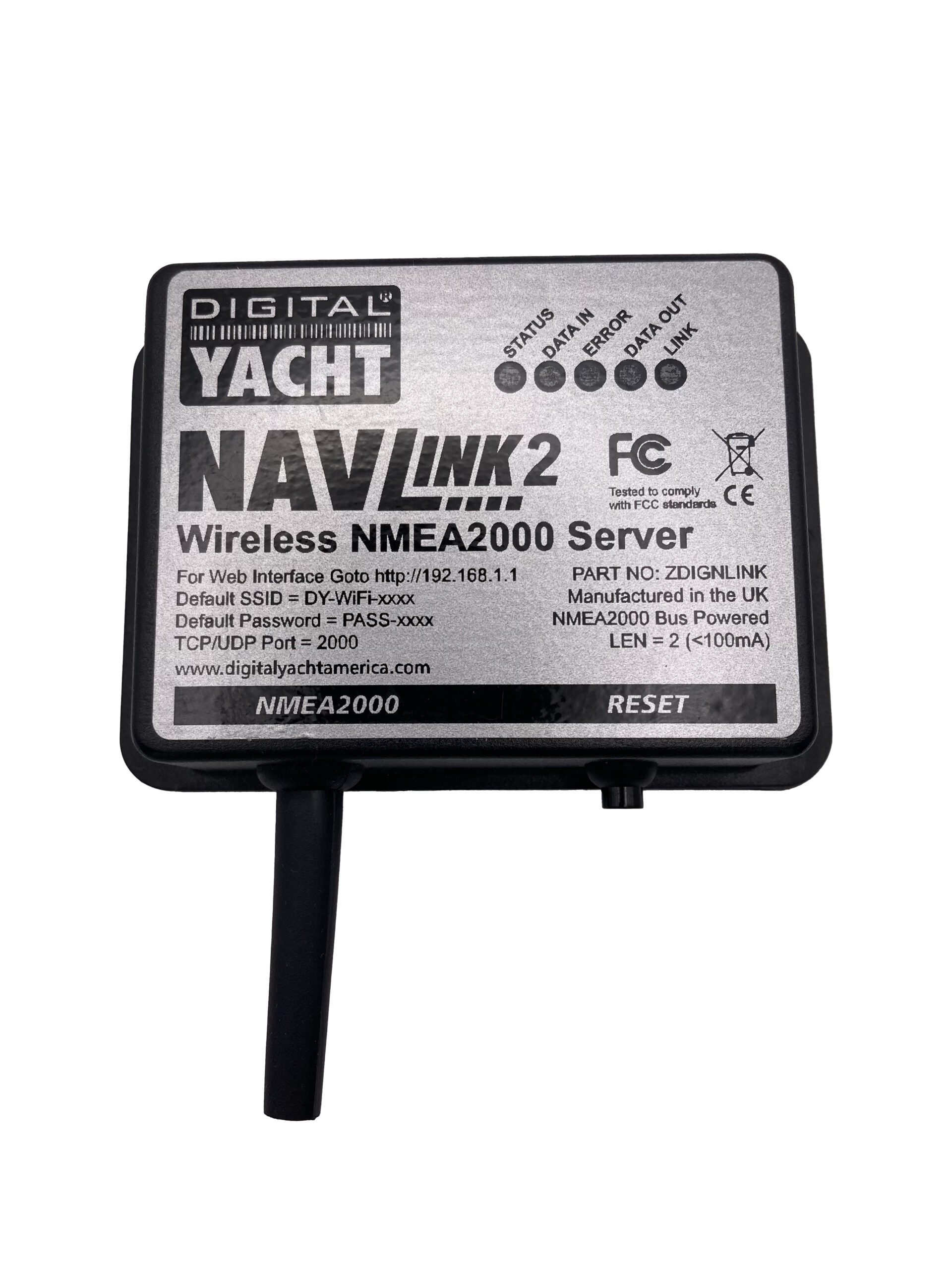
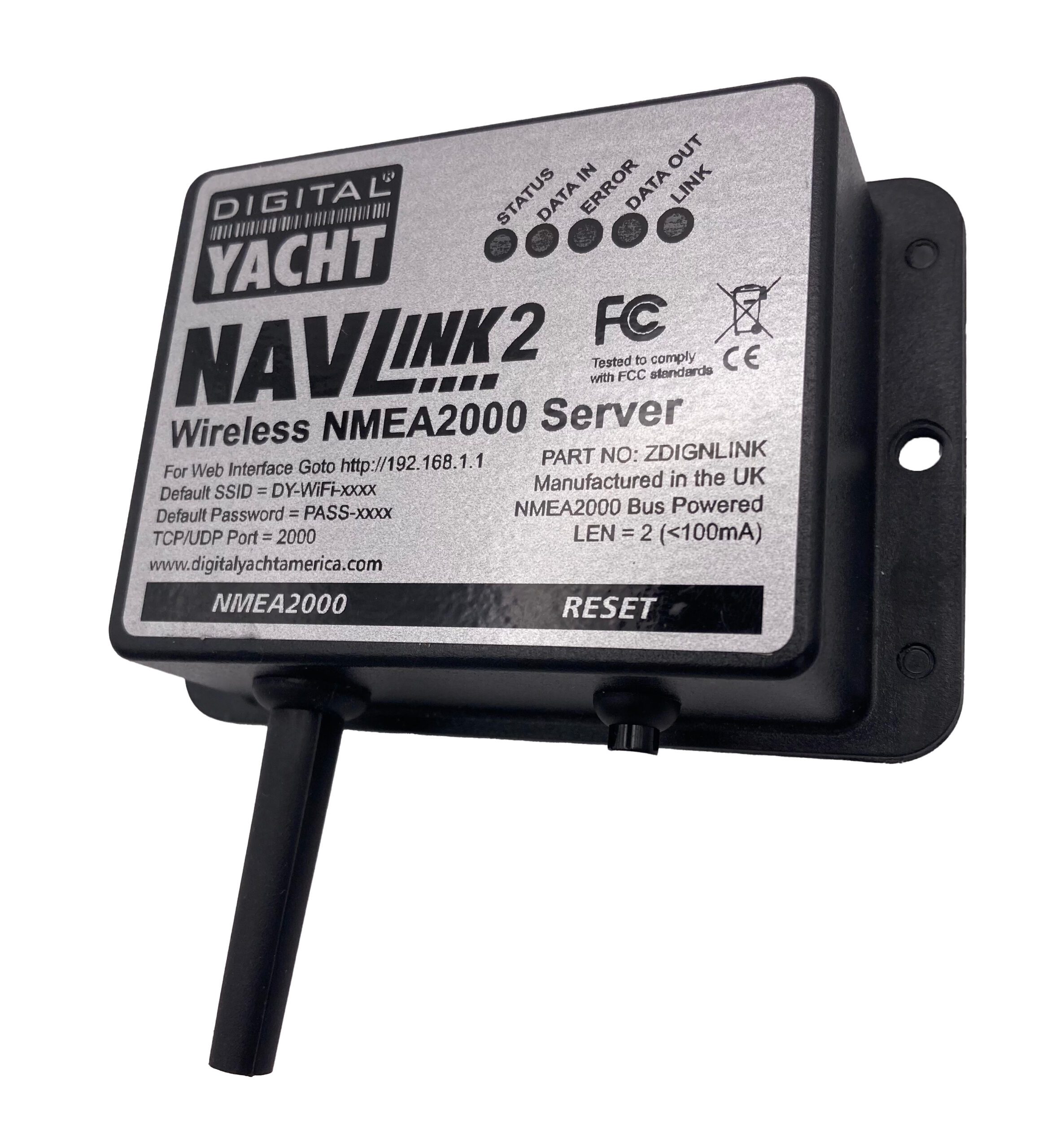
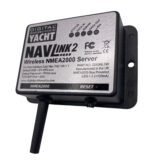
NavLink2 (Factory Refurbished)
£152.10
“NavLink 2 is an easy to fit NMEA2000 to WiFi server designed to make NMEA2000 navigation data available for apps on smartphones, tablets, iPads and PCs.”
Description
KEY FEATURES
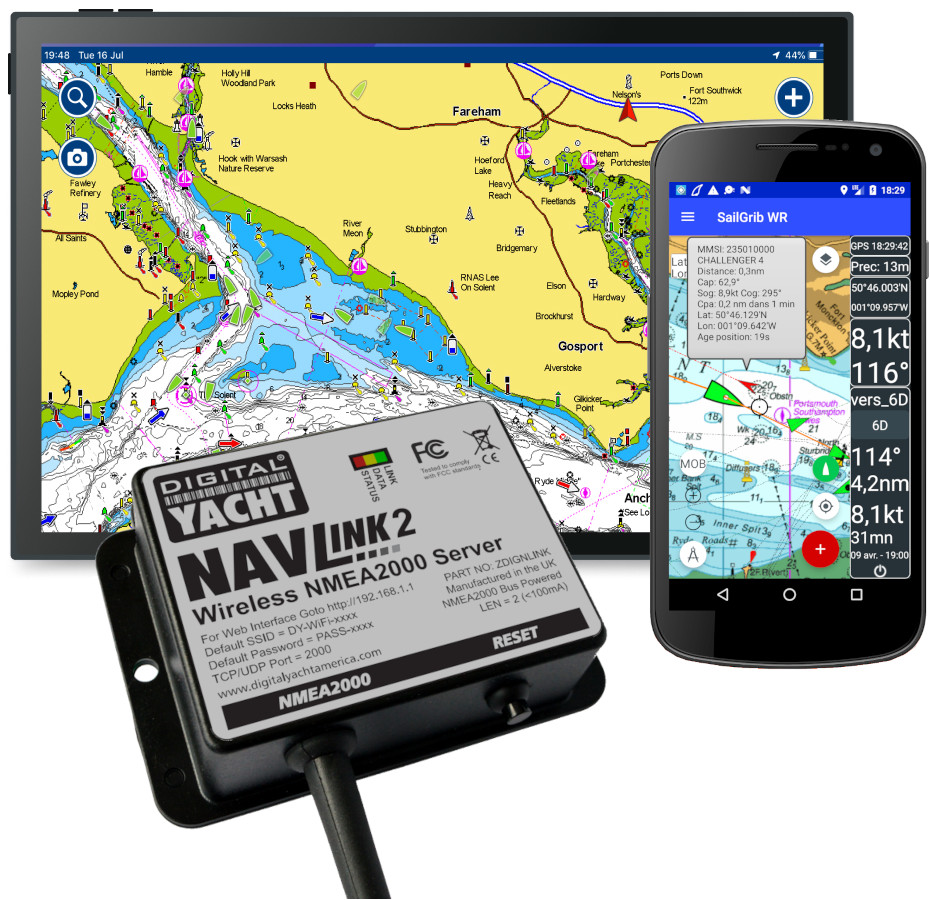
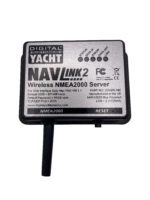
NavLink 2 is an easy to fit NMEA 2000 to Wifi server designed so that NMEA 2000 navigation data can be made available for apps on smartphones, tablets, iPads and PCs. Installation takes seconds as a result of direction connection to the NMEA 2000 back bone and self-powered from the data network.
Once installed, it creates a local WiFi network for devices to connect or can be programmed to join an existing wireless network if one is already installed. This is ideal for devices like the Furuno wireless radar which require operation through their own dedicated network but require NMEA 2000 data integration for charting apps.
NavLink2 creates a secure, password protected, local Wi-Fi network which allows all NMEA 2000 data to be sent to popular iOS and Android apps such as Navionics, AquaMap, iSailor, Weather4D, SailGrib, iNavX, TimeZero and more.
NavLink2 supports both UDP (for multiple connections) and TCP/IP interfaces for maximum compatibility with apps so you can be using a PC at the chart table with an iPad on deck. It’s also bidirectional so apps can control an autopilot if they enable this function.
CONFIGURATION
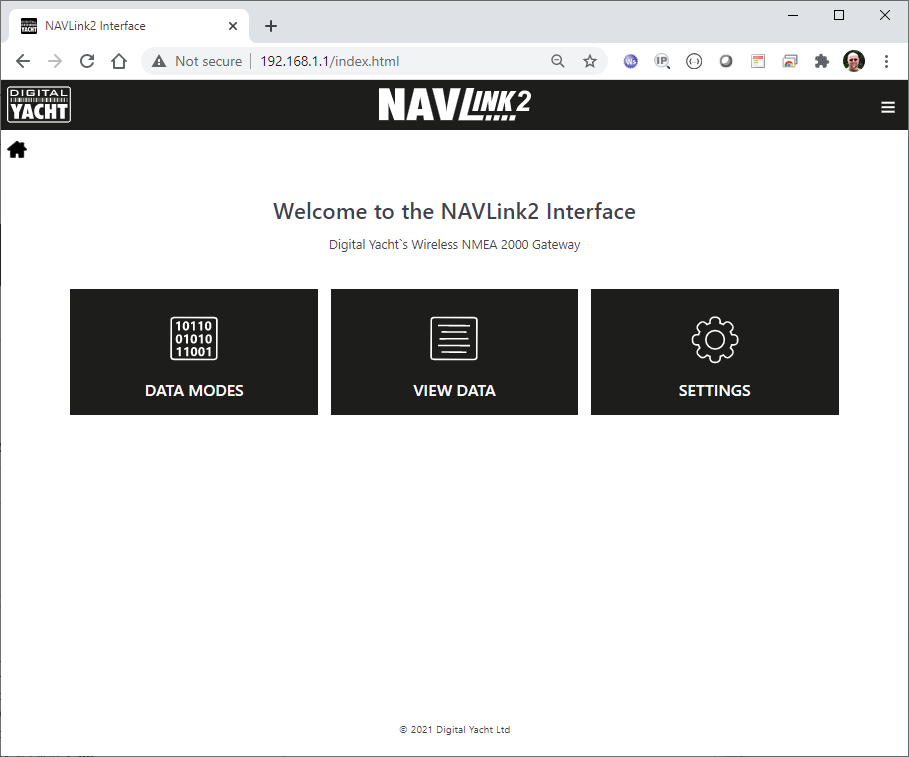
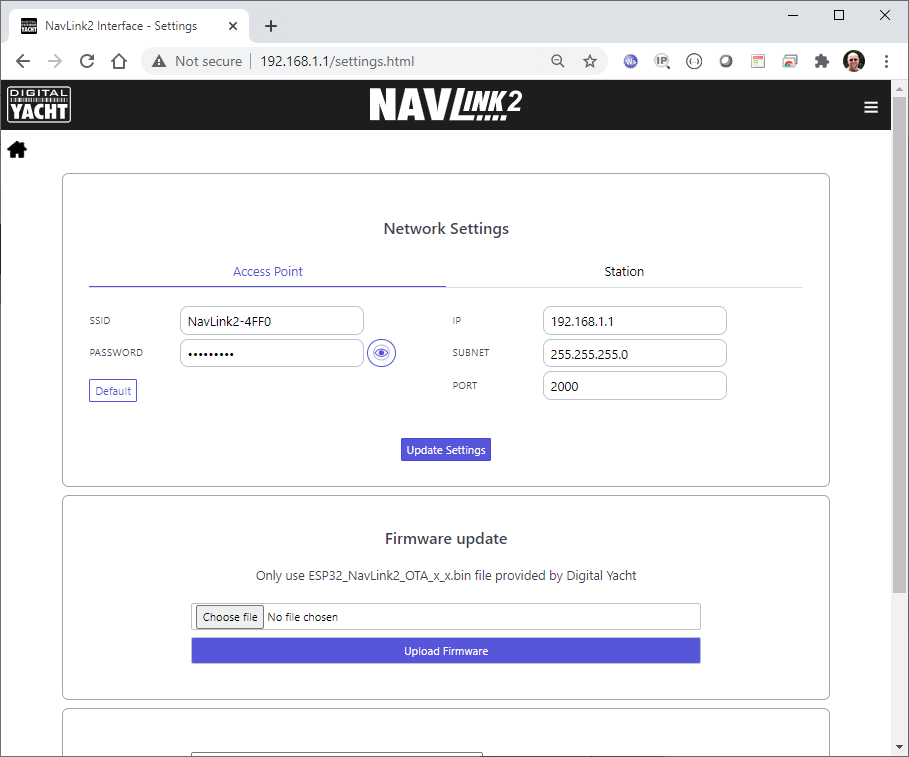
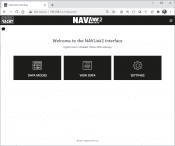
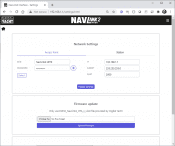
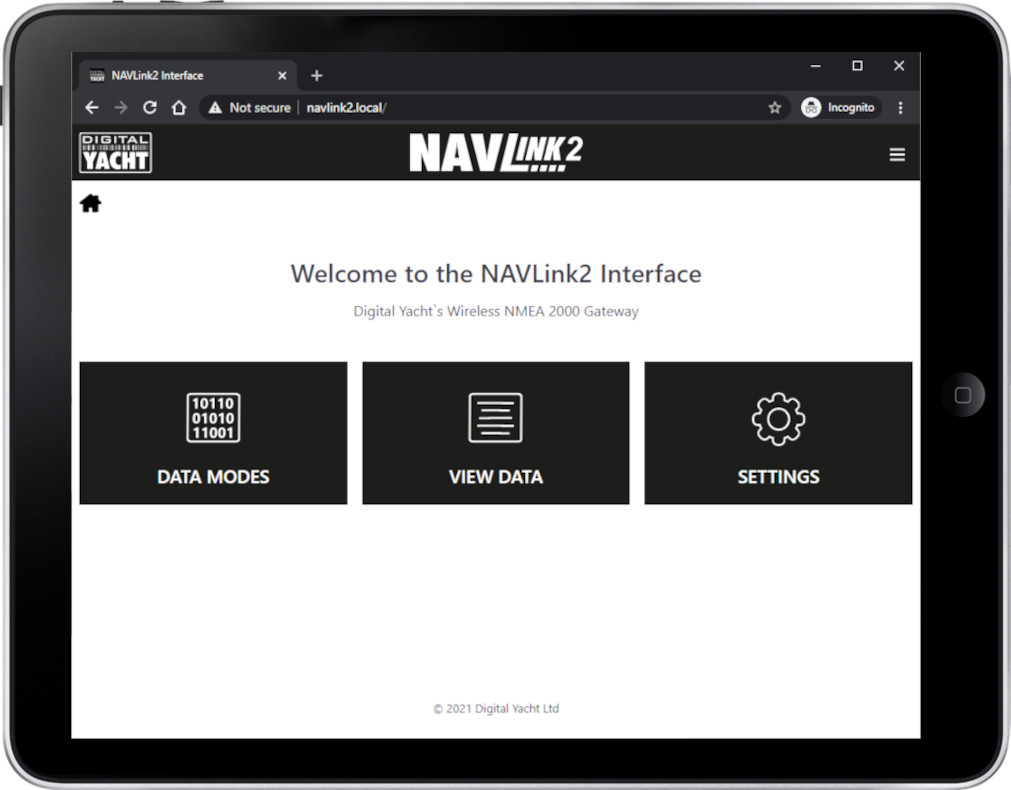
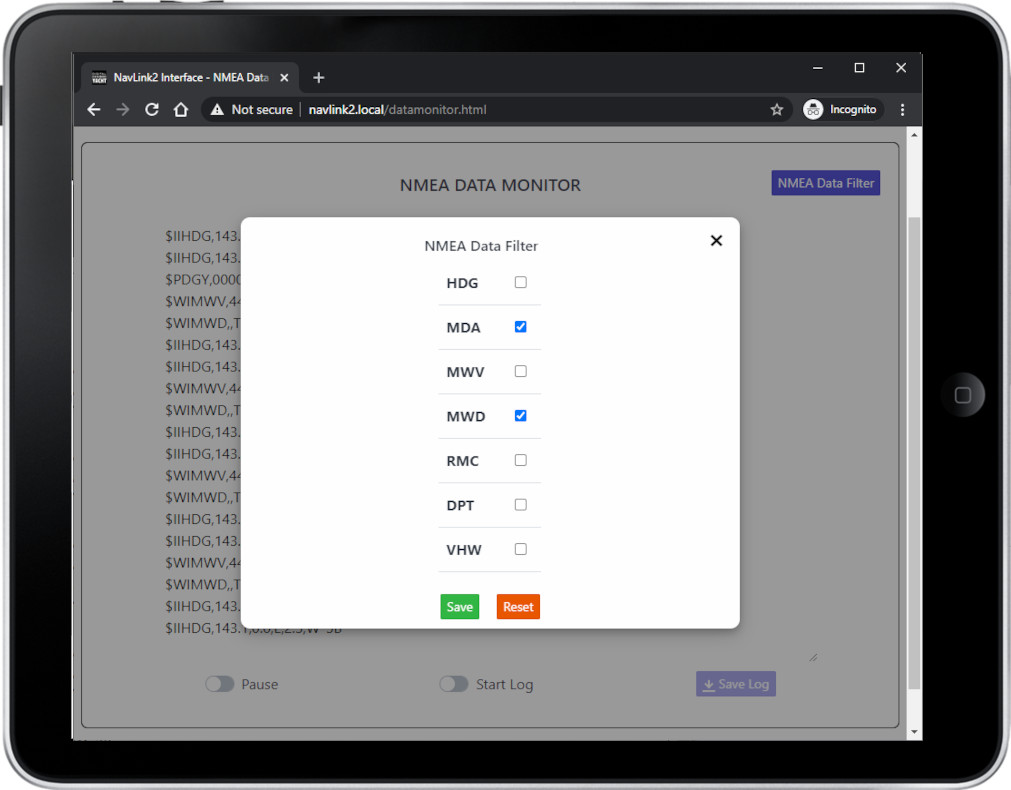
You can configure the NavLink2 through its own simple web interface, just open your web browser, enter the NavLink2’s IP address and you can filter NMEA sentences, change network name & password or even merge the WiFi to an existing WiFi network on board. So no complicated programming software or app required.
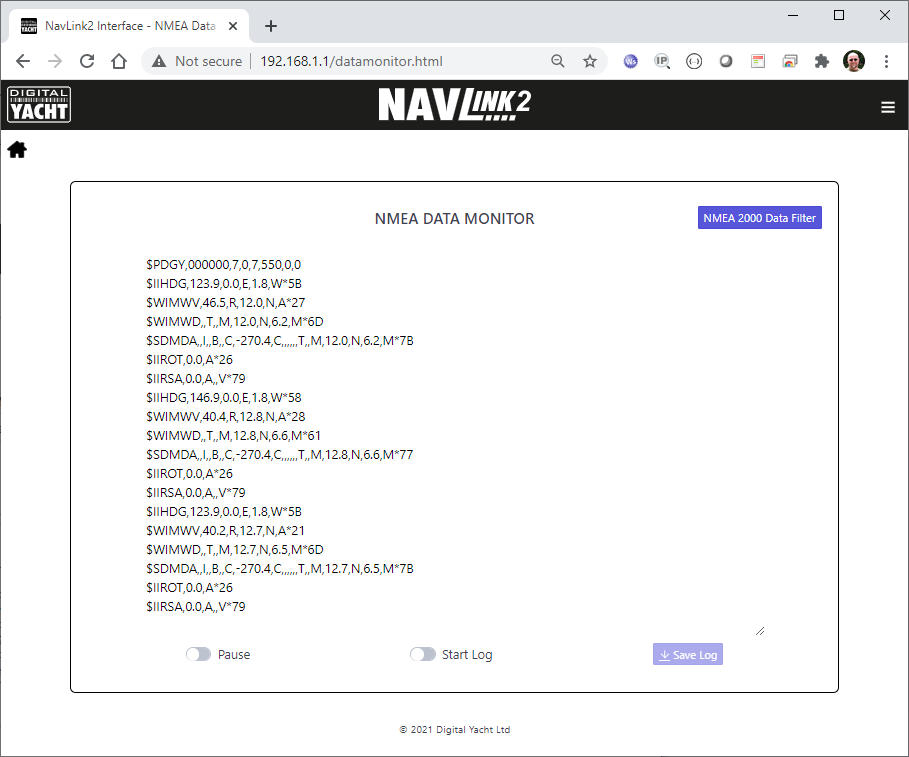
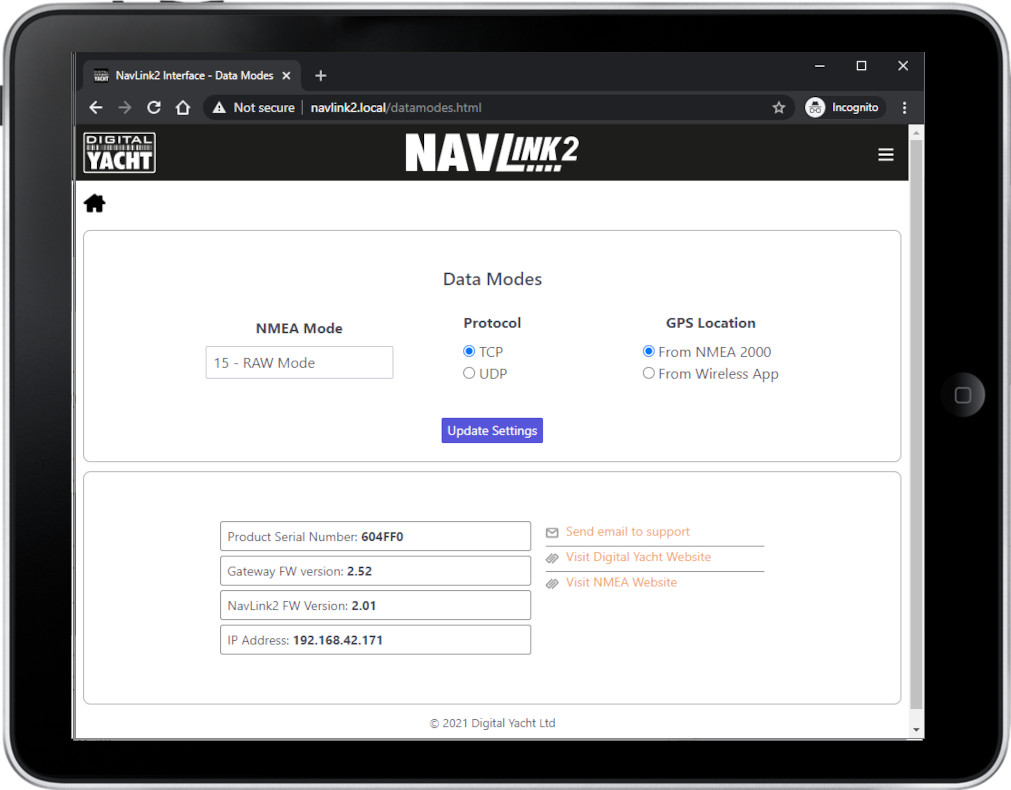
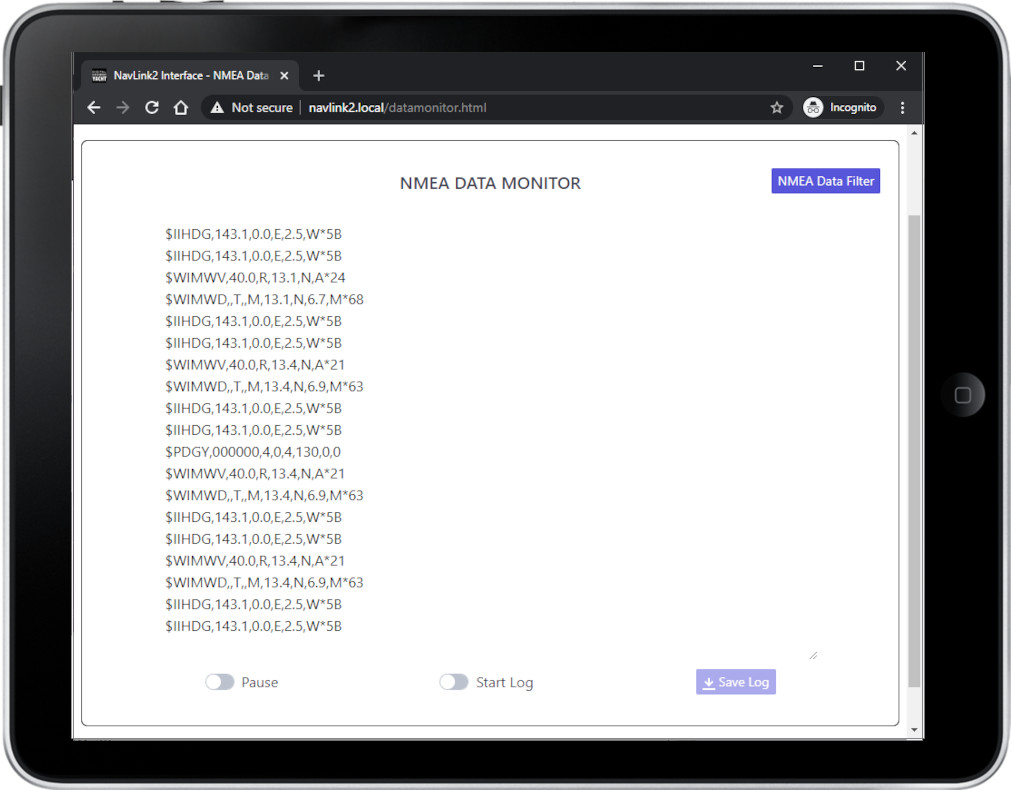
You can also choose a specific mode for the Navlink2, for instance, you can choose Raw NMEA 2000 mode or the AIS mode to only send AIS and GPS data to get a better result with an app that can only accept AIS & GPS data, such as Navionics. You can even view the received NMEA data in the web browser, for easy fault finding of issues.
Finally, The NavLink2 supports TCP and UDP network protocols for maximum compatibility with apps. If you want to have full bi-directional control of an autopilot, with guaranteed data integrity or you want to be the only person receiving the data, then select TCP. If however, you want to receive the same data on multiple devices, for instance a PC at the chart table and an iPad on deck, then select the UDP broadcast protocol.
SPECIFICATIONS
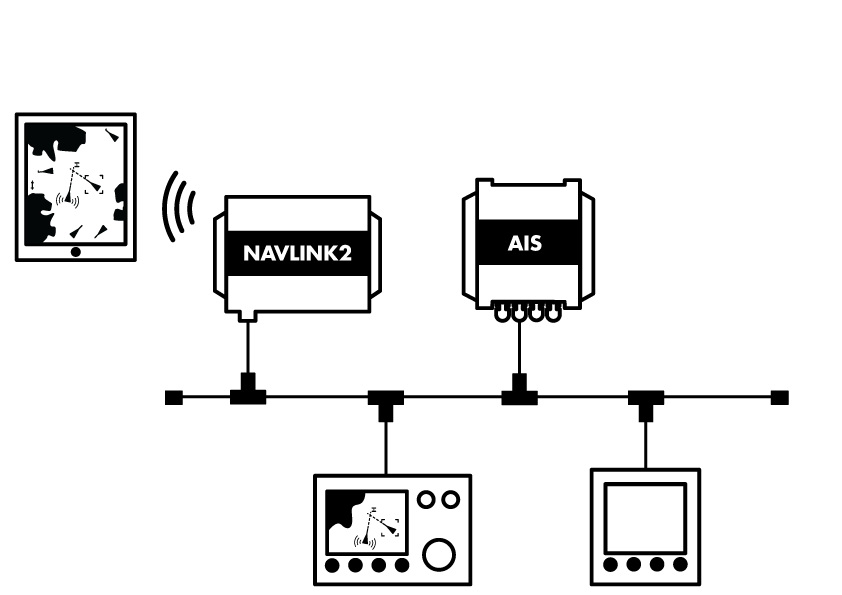
- NMEA 2000 to WiFi server
- Self powered from NMEA 2000 bus – fits in seconds
- Supports TCP/IP and UDP connection modes
- Provides AIS, navigation and instrument data to apps
- Compatible with all popular apps like iNavX, TimeZero, Weather 4D, Navionics, SailGrib, NavLink, iSailor, SeaPilot, AquaMap etc
- Up to 7 connected devices
- Compatible with Windows, Linux, MAC OS, iOS and Android
- Easy web interface for programming (work with any modern web browser)
- Password protected
- Can act as dedicated wireless server or rather can connect to an existing wireless network
- Diagnostic data display mode and LED status lights
- Internal hi gain WiFi antenna
- Super-fast 230KBs operation
- Optional raw data mode for developers and likewise advanced users
- Supplied with NMEA 2000 cable
Additional information
| Weight | 192 g |
|---|---|
| Dimensions | 180 × 145 × 40 mm |
Sales FAQs
How to interface the product to my existing equipment?
We keep on our blog a list which explains how to interface the WLN10/WLN30 & NavLink2 to popular navigation equipment such as Raymarine, Garmin, Furuno, etc.. This list explains which wires you need to use to interface the products together.
For the WLN10/WLN30, you can see the list here: https://digitalyacht.support/tutorials/how-to-interface-wln10/
For the NavLink2, you can see the list here: https://digitalyacht.support/tutorials/how-to-interface-nmea-2000/
I have already a Wi-Fi router on board - can I join the product Wi-Fi to an existing network?
Yes! You can program this through the web interface so you just have one Wi-Fi network on board with our product linked directly to your other Wi-Fi network as a client.
This works well as well with Furuno WiFi radar installations.
What is the wireless interface range?
The Wi-Fi will typically footprint a boat up to 25m LOA. Contact us if you need a bigger footprint or have a steel or carbon vessel.
What is the Wi-Fi network password?
Our WLN10/WLN30 & NavLink2 have a built-in web interface and create a password protected WiFi network. With your tablet, PC or smartphone, if you scan for wireless networks, you should see a wireless network called “DY-WiFi-xxxx” where xxxx is a four-digit code unique to the product. The WiFi network might change according to your product version.
Make your device join this network and you will be asked to enter a password which is “PASS-xxxx” where xxxx is the same four-digit code as in your network name. You can change both the network name and password in the unit’s web interface.
For example, if your product creates the WiFi network: NavLink2-D4B6 then your password is PASS-D4B6
Where can I find compatible apps?
We keep up to date reviews on our news blog at www.digitalyacht.net – search for Best Marine Apps for Android or iOS. Popular apps include Boating Navionics, iNavX, TZ iBoat, Navimetrix, OpenCPN, iAIS, NavLink, iSailor, SeaPilot, Adrena, Weather 4D, MaxSea TimeZero, SailGrib and literally 100s more.
Any navigation app or software that is NMEA-compatible can receive data from our products.
Our products are also fully compatible with navigation software running on PC, Mac, and Linux platforms.
How do you power up the NavLink2?
All you need is to connect the NavLink2 to your NMEA 2000 backbone. It will take its power automatically from your NMEA 2000 network.
Do I need an internet connection?
No internet connection is required. Many consumers get confused and automatically associate wifi with internet. The product creates a wifi network and the local iPad or tablet users searches for this in the same way they search for a wifi hotspot.
Once connected, NMEA data is sent over the local link created on board the boat.
How to configure a navigation app or software?
On our blog, we maintain a list that explains how to configure all the most popular navigation apps and software. The guide covers both how to set up an NMEA connection (UDP/TCP) and how to configure the AIS settings within each app or software package.
To see the list, please click here: https://digitalyacht.support/tutorials/how-to-configure-apps-software/
How to configure the NMEA to Wi-Fi server?
All configuration can be done through a simple web interface, just connect to the product’s Wi-Fi network then open your web browser, enter the product’s IP address (192.168.1.1) and you can set network name, mode, view data, password and join an existing network.
How to use NavLink2 with Boating Navionics?
Manual and Downloads
NavLink2 Quick Start Guide V3.10
537.41 KBLatest Quick Start Guide for our NavLink2 Wireless NMEA 2000 Gateway
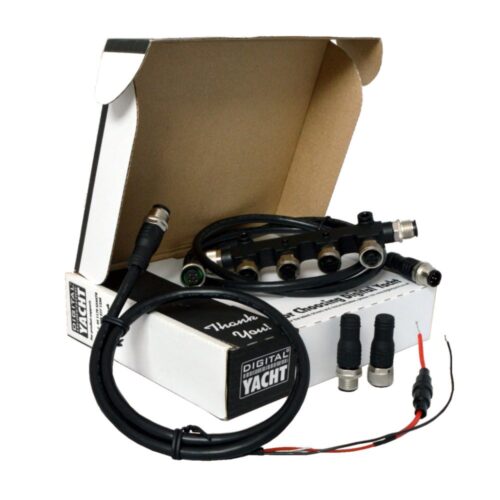
what inside box
Product Video
NavLink2 Introduction video